EDITION / ONE SHIKARDOS
Your screen.
Your way.
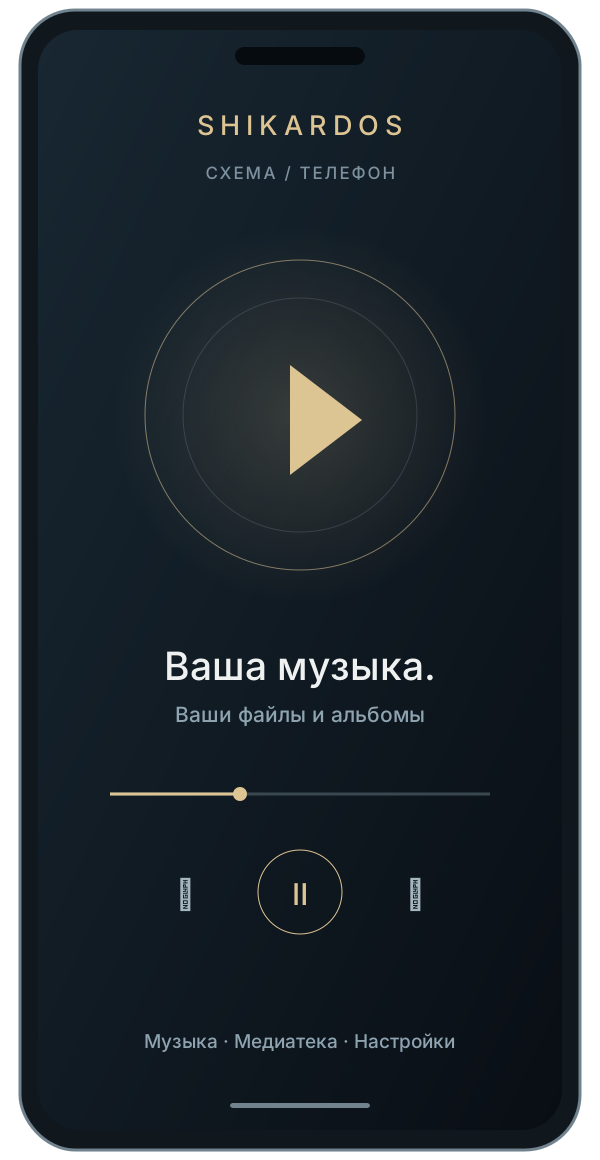
A phone in your hand. Music in your car. Movies on your television. The application takes on your device's Edition.
The screen changes.
SHIKARDOS stays.
Choose a device above. Open its body, inspect the base and try its on-screen controls.
Everything you need.
In your hand.
Start with music. Add radio, video, the camera and the equalizers you want to use. Your screen will show your chosen set.
- Music from your device and your own cloud folder
- GEq, PEq and ORBITAL: tools with their own settings
- Camera and photo studio; video and live streams from your sources
More room.
The same freedom.
The same feature set on a larger screen. Tablet Edition supports portrait and landscape orientation: choose the position that fits your task.
- One APK for phone and tablet
- Music, radio, video, camera and your selected EQs
- Choose an Edition in Settings → Edition
Two orientations for a larger screen.
Device diagram; not an interface screenshot.
Music
with larger controls.
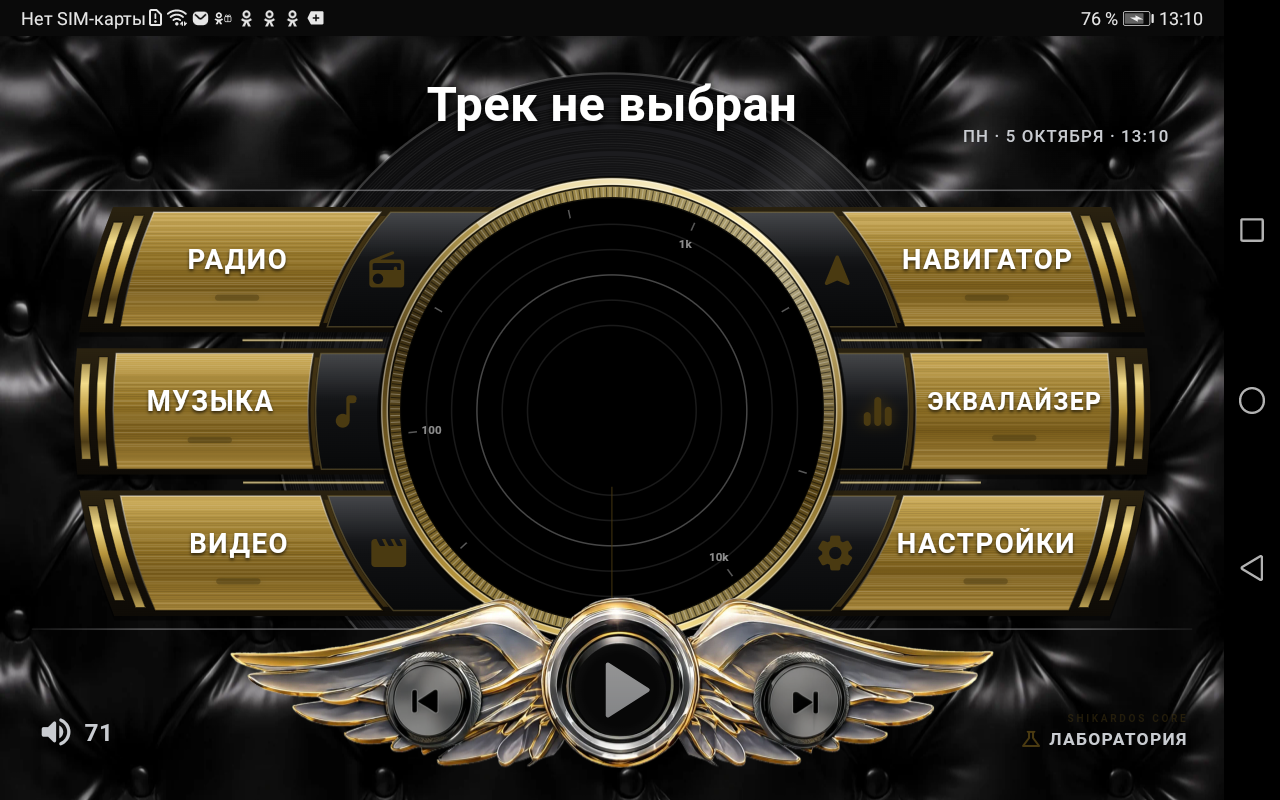
The car head unit gets its own landscape interface: large sections, playback controls and instruments side by side.
- Large touch targets and a landscape screen
- Music, radio, video and equalizer
- Select it in the main application: Settings → Edition → Car
Further from the screen.
Closer to the movie.
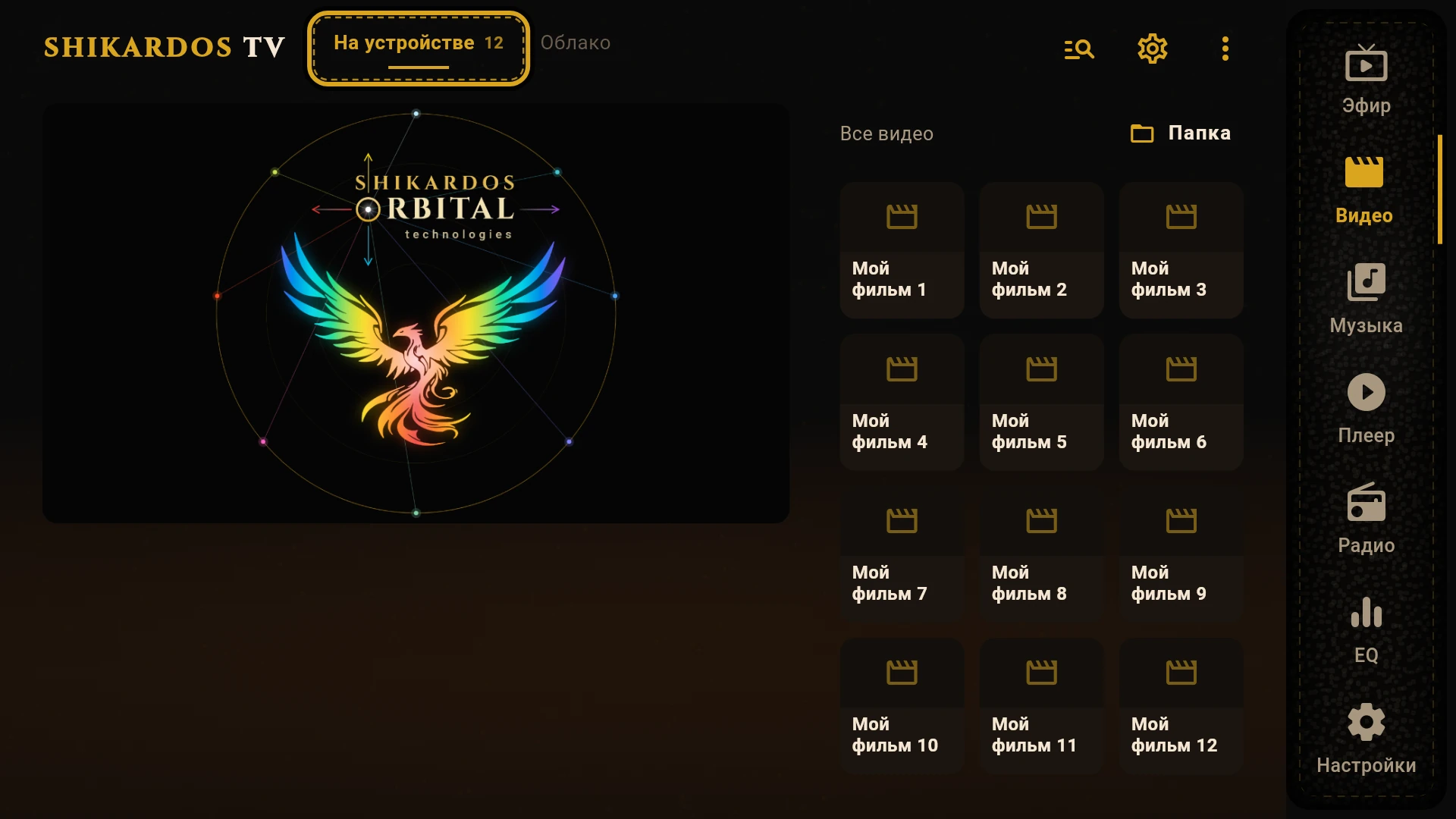
Your movies, music and live streams on an Android TV. Arrow keys move between sections, OK selects, and Back takes you back one step.
- Your files, cloud storage and personal lists
- Windowed playback and full screen
- Equalizer for sound; ORBITAL Studio for images
TV
at your fingertips.
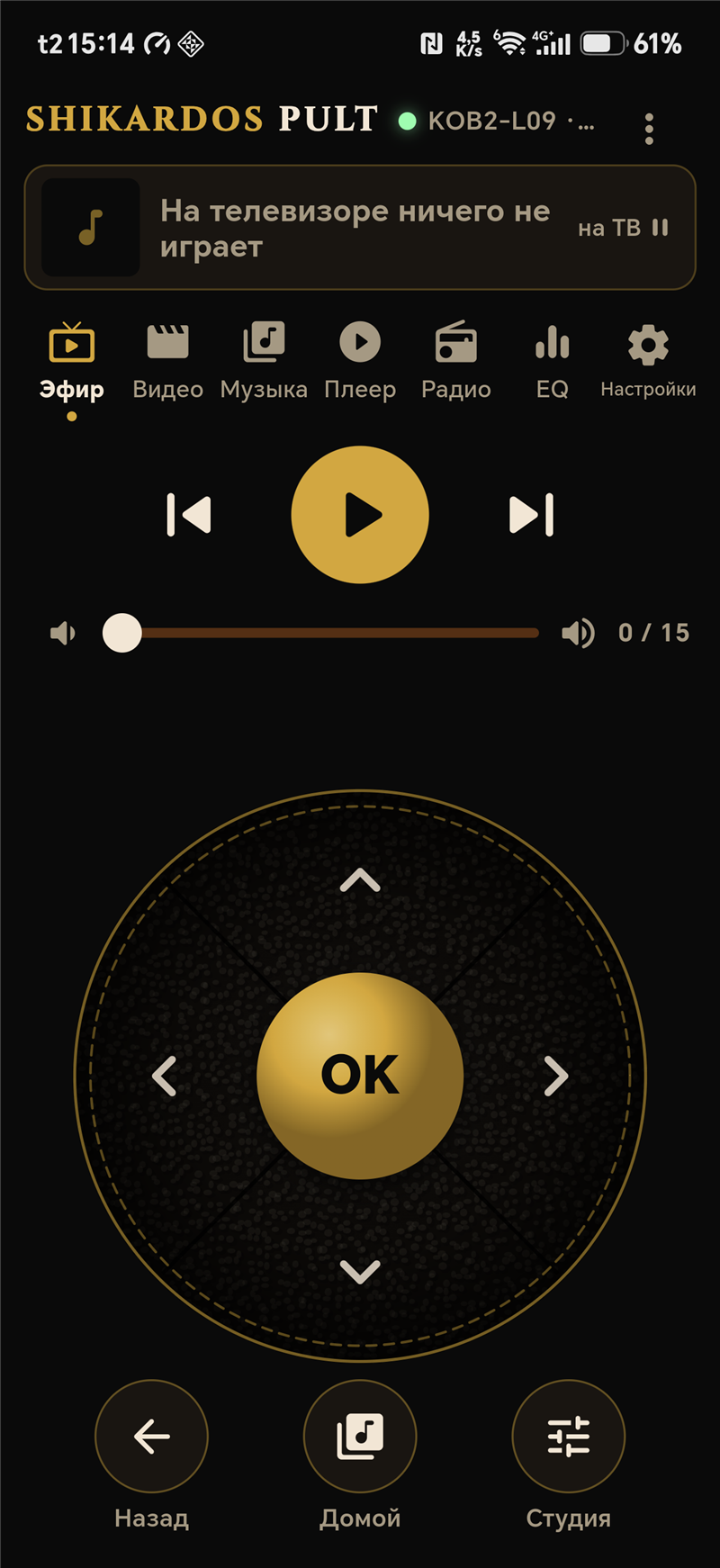
Choose Remote on your phone. Find the television on your home network and enter the pairing code shown on its screen.
- Phone and television on the same Wi-Fi network
- Sections, playback, volume and arrow controls with OK
- The remote controls the television; the phone's own player sleeps in this Edition
A larger screen.
Its own audio path.
The desktop version develops separately. A music library, parametric equalizer and WASAPI Exclusive output.
- Windows 10/11 · 64-bit
- Installer or portable ZIP version
- Android and Windows features differ
A separate desktop version.
Device diagram; not an interface screenshot.
Just as much
as you need.
Your application, your feature set. Keep music only or add the tools you need. A hidden section waits for your return, with its data preserved.
How to choose your features ↗Start with the essentials
A fresh installation is a simple music player. Updates preserve your previous feature set.
Select your tools
Radio, GEq, PEq, ORBITAL, video, camera: select what you need in “Build your SHIKARDOS”.
Bring them back when needed
You can show a section again. You cannot disable the last content source; an equalizer needs an audio source.
One idea.
Different stages of development.
Windows is a separate version. Remote is selected within the main Android application. Choose based on what you want to use today.
| Feature | Android | Windows |
|---|---|---|
| Music library | Yes | Yes |
| Three EQs: GEq / PEq / ORBITAL | Yes | Separate PEq |
| TV and Car Editions | Yes | — |
| Phone remote | Available on Android | — |
| Direct output | VULAN / USB DAC | WASAPI Exclusive |
More Editions are on the way.
Player and Watch Editions are still in preparation. They will appear here after release.